How to Learn Spanish Words from YouTube Videos
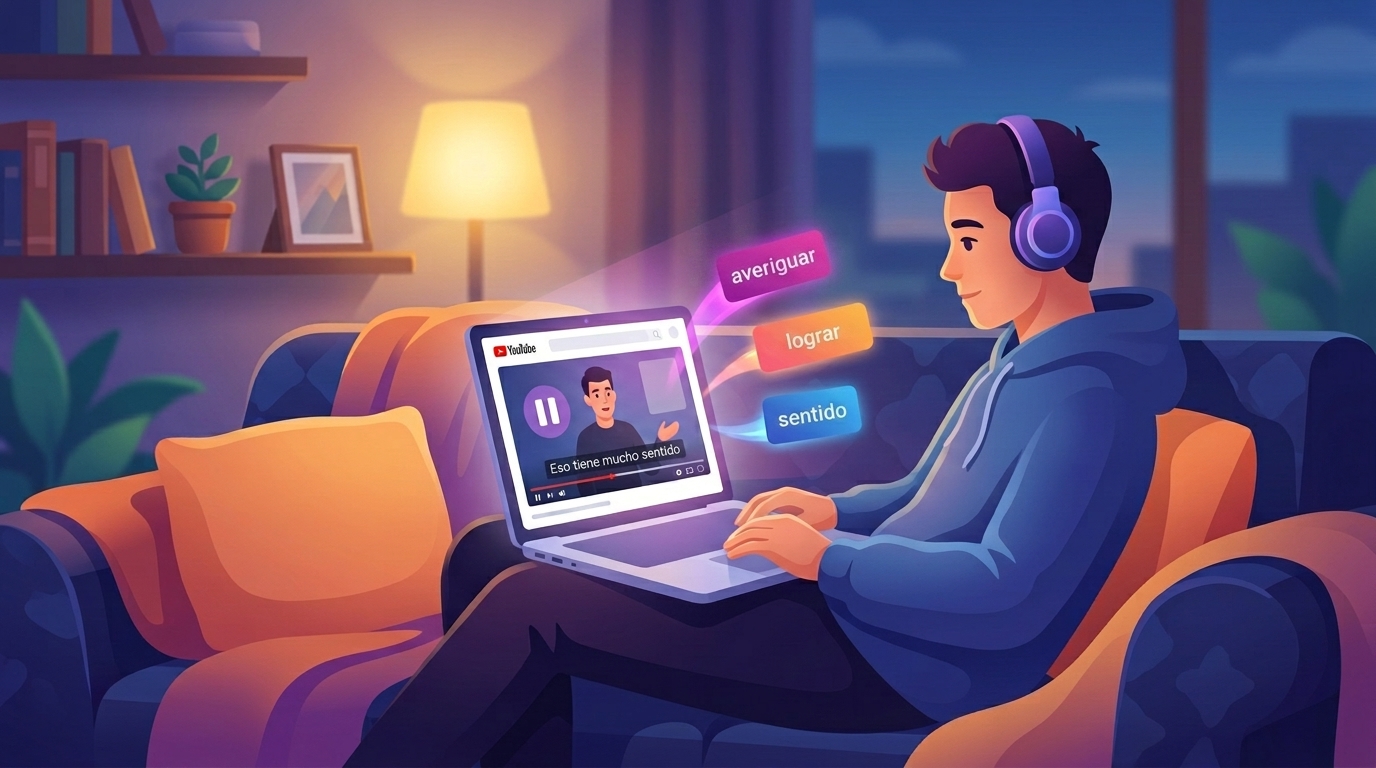
YouTube already takes up a decent chunk of your day: reviews, vlogs, interviews, gaming videos. That same time can grow your Spanish vocabulary — all it takes is switching part of your watching to Spanish-language channels about things you already enjoy. You don't need a separate "Spanish hour" or extra willpower: you keep watching what you'd watch anyway, just in another language.
Below: how to pick channels for your level, what to do with subtitles, and how to turn words you hear into words you actually know — not just "I've heard that somewhere."
Why YouTube beats a textbook
Textbook dialogues are written to demonstrate the grammar of the unit, and they sound like it. On YouTube, people talk the way they actually talk — with contractions, slang, false starts, and phrases that are genuinely in use right now.
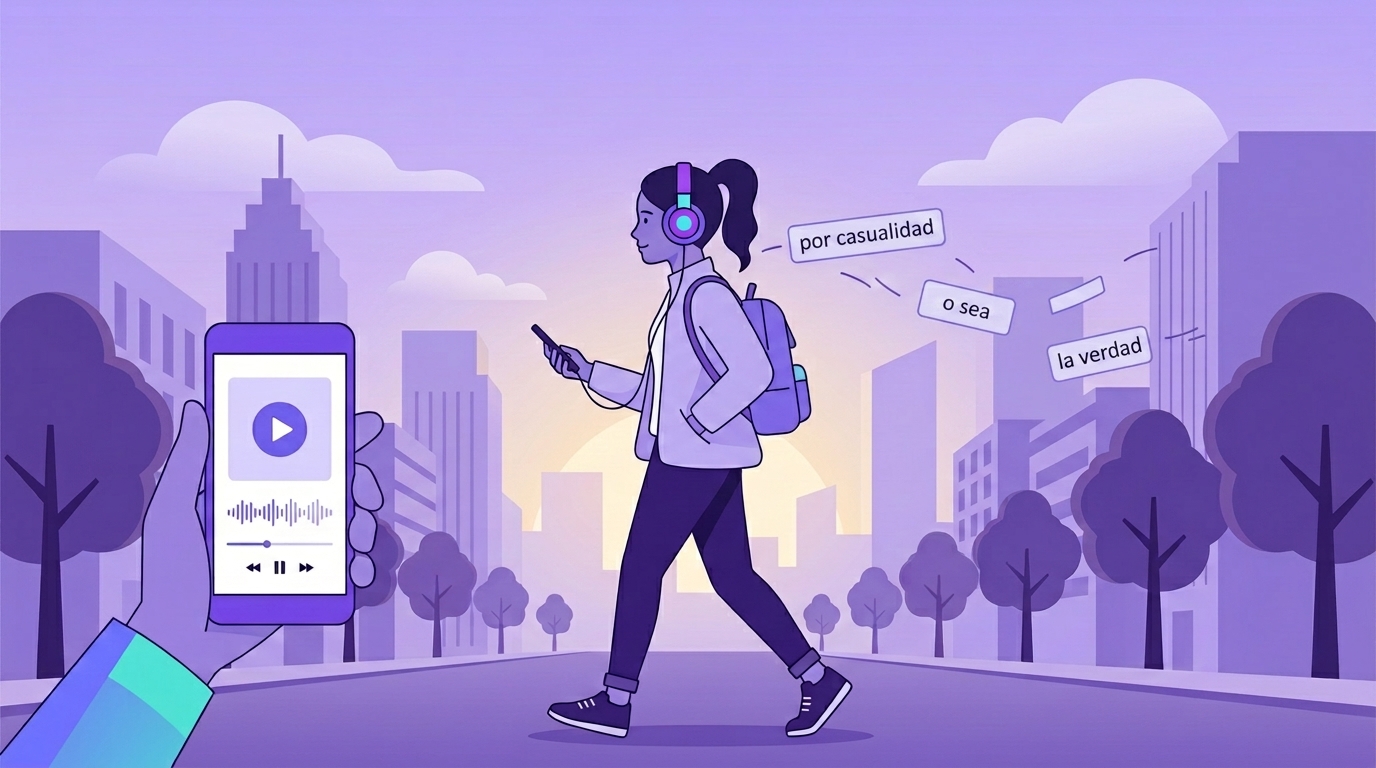
- Real phrases. Creators constantly say things like tiene sentido, ponerse al día, averiguar, o sea — expressions you'll hear in real conversation but rarely meet in a textbook text.
- Context and emotion. A word you hear the moment a vlogger nearly drops their camera sticks better than a line in a list: memory latches onto the situation.
- Any topic, any pace. There are channels with slow, clear speech for learners, and podcasts at full native speed — you can level up gradually.
- Short format. An 8-minute video actually fits into a weekday. A movie usually doesn't.
The principle is the same as with other content — we've covered it for movies and TV shows and songs. YouTube wins on accessibility: videos are shorter, there are more topics, and almost every video has subtitles.
How to pick channels for your level
The main benchmark: you should understand roughly 70–80% without stopping. If you're pausing every ten seconds, the video isn't for you yet — endless stops wear you out until you quit. If you understand every single word, there's little benefit either: almost no new words in there.
| Level | What to watch | Why it works |
|---|---|---|
| A1–A2 | Channels for Spanish learners with slow speech, simple teaching videos | Clear diction, simple vocabulary, often with on-screen explanations |
| B1 | Daily-life vlogs, cooking, DIY, travel | The language is simple and the picture carries the meaning: you can see what the person is doing |
| B2 | Tech and gaming reviews, popular science, interviews | Natural speaking speed, but the vocabulary stays within one topic |
| C1 | Podcasts, stand-up, debates | Fast, natural speech with no visual support — practice that's close to a real conversation |
One extra tip: pick channels about topics you know well. If you cook, watch Spanish cooking channels — you'll guess half the words from context, because you know what's happening on screen. That lowers the entry barrier a lot.
Subtitles: on, but in Spanish
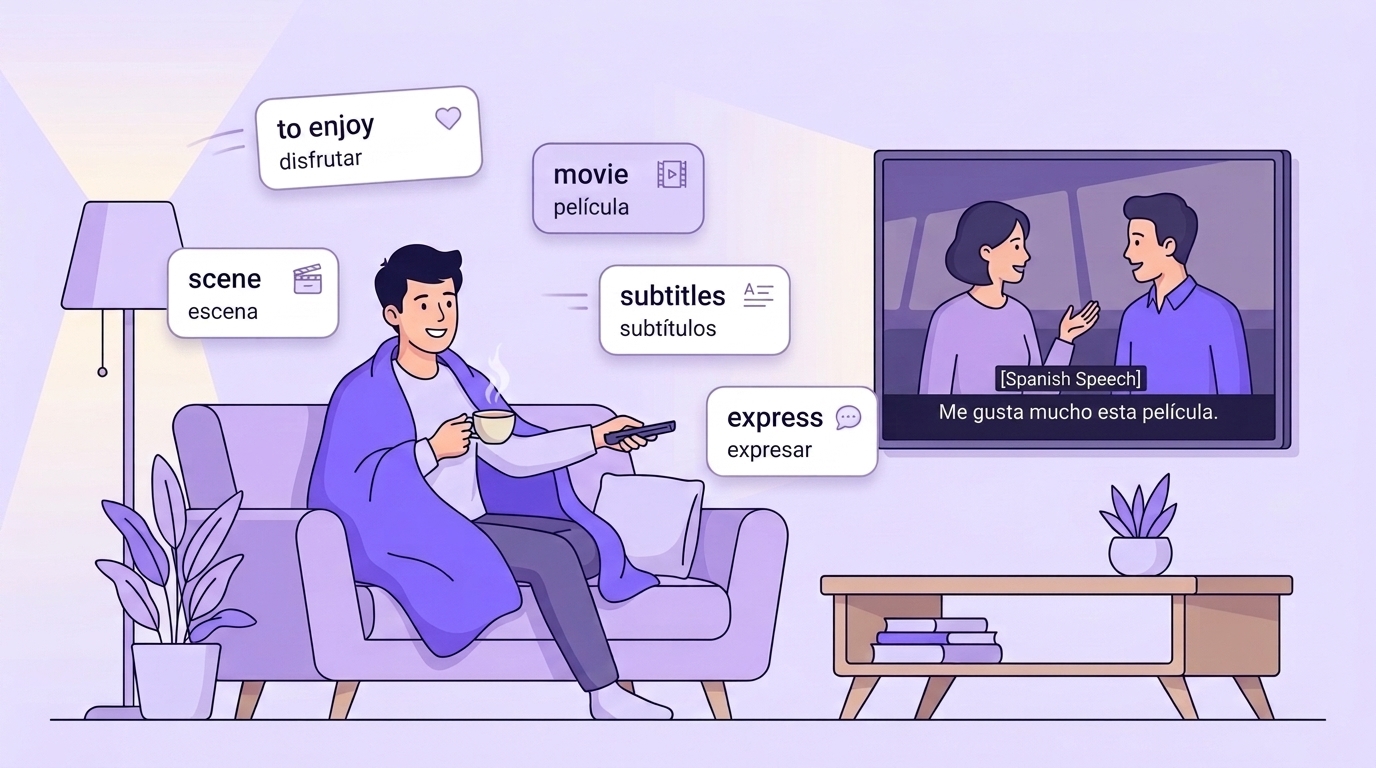
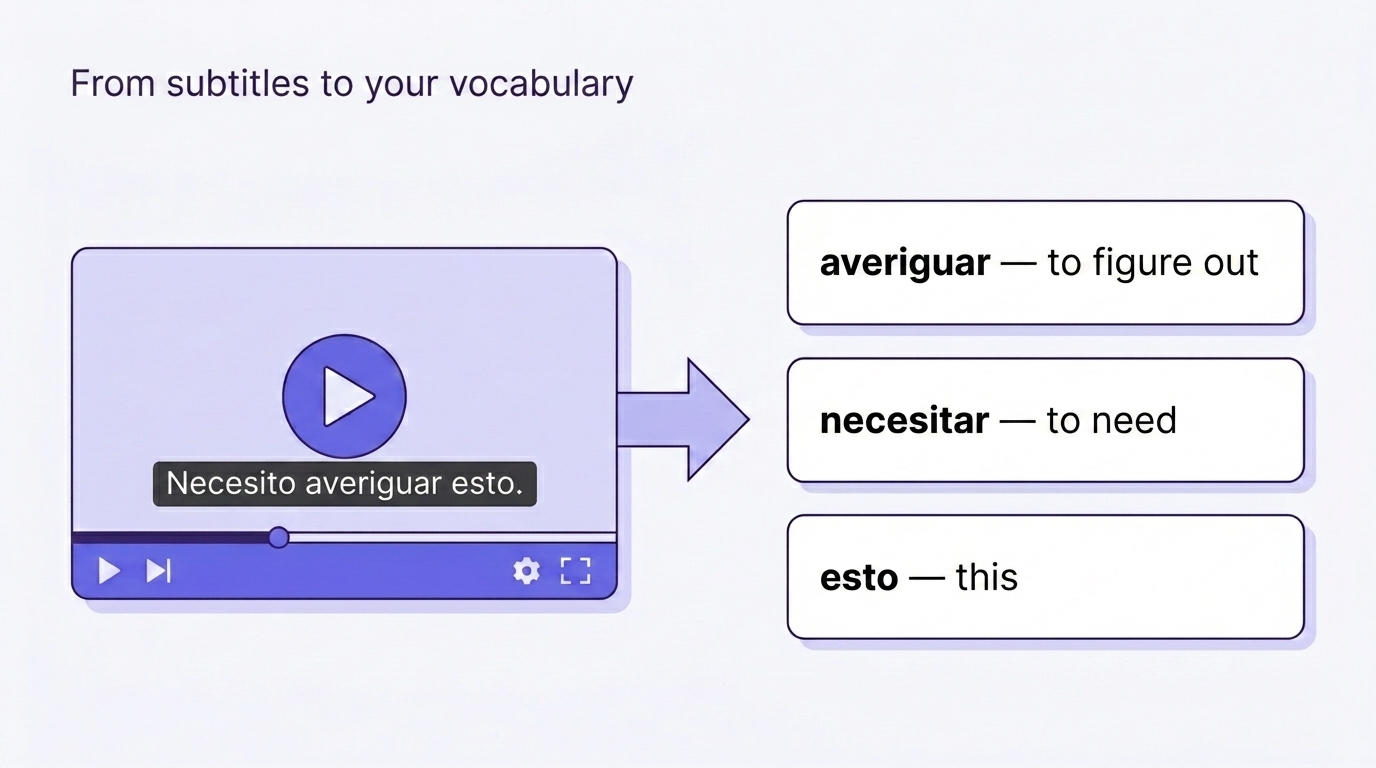
English subtitles turn watching into reading a translation: your eyes are busy with English text while the Spanish audio runs in the background, and your brain barely processes it. Spanish subtitles work differently: you hear a word and see how it's spelled at the same time, so the sound-to-spelling link forms right away.
A routine that works for most people:
- Watch with Spanish subtitles and don't stop at every unknown word — the meaning usually comes together from context.
- Pause only when a word shows up for the second or third time, or when you can't follow without it. Those are the words worth saving.
- Rewatch your favorite videos a week later without subtitles. It's an honest test: what do you actually hear, and what were you just reading?
Many videos also have auto-generated subtitles. They stumble on names and slang, but they're usually good enough to check the spelling of a word you've just heard.
What to do with words so they don't fade
The most common mistake is to just watch. After a month you get a pleasant sense of progress: you recognize more by ear. But those words don't make it into your own speech: for a word to become active, you have to recall it yourself a few times, not just hear it.
The opposite extreme is writing down everything. You end up with a note holding forty words from one video — a note you'll never open again, because reviewing forty words is a separate chore you have no energy for.
The middle path works: 3–7 words per video, and only ones you'd actually use yourself. You hear a phrase, realize you need it — you save it. Let the rest go: frequent words will come back in the next videos anyway, and you can save them then.
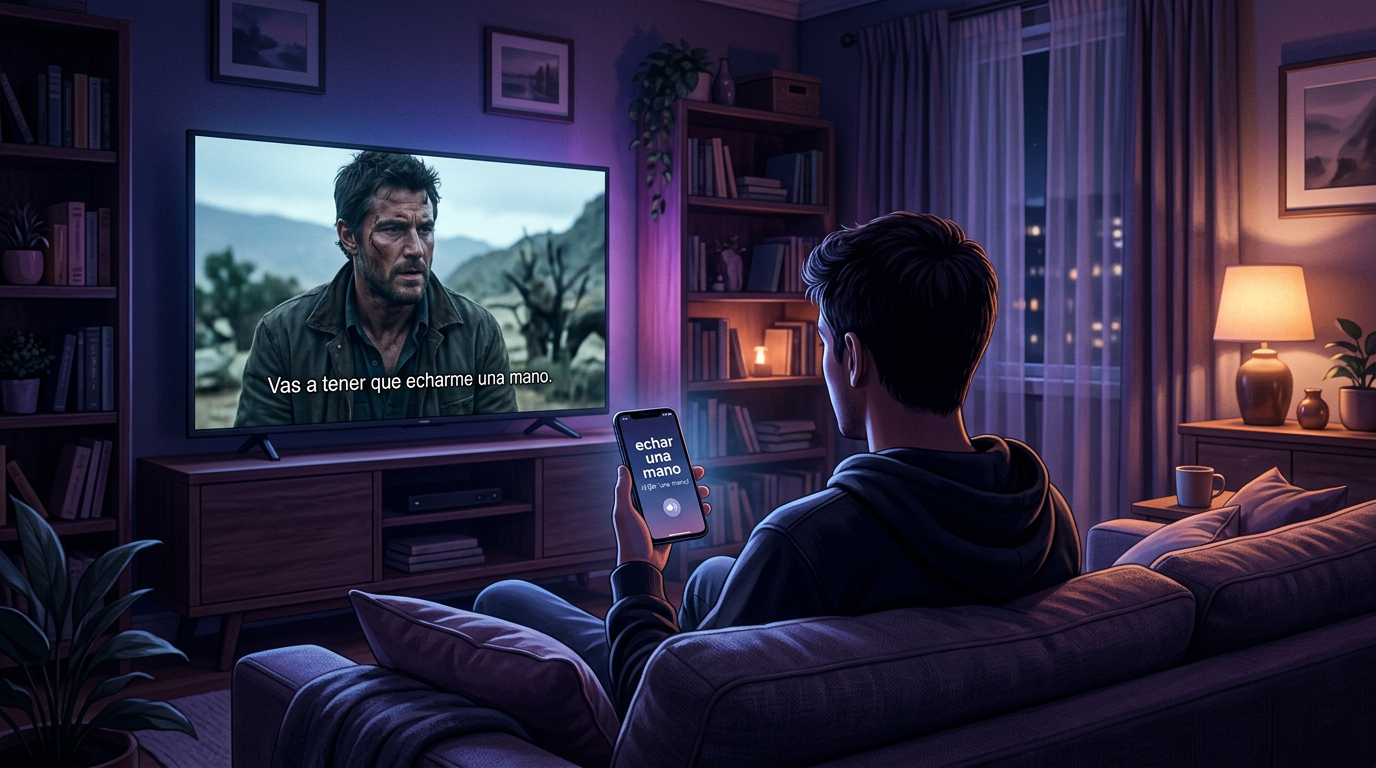
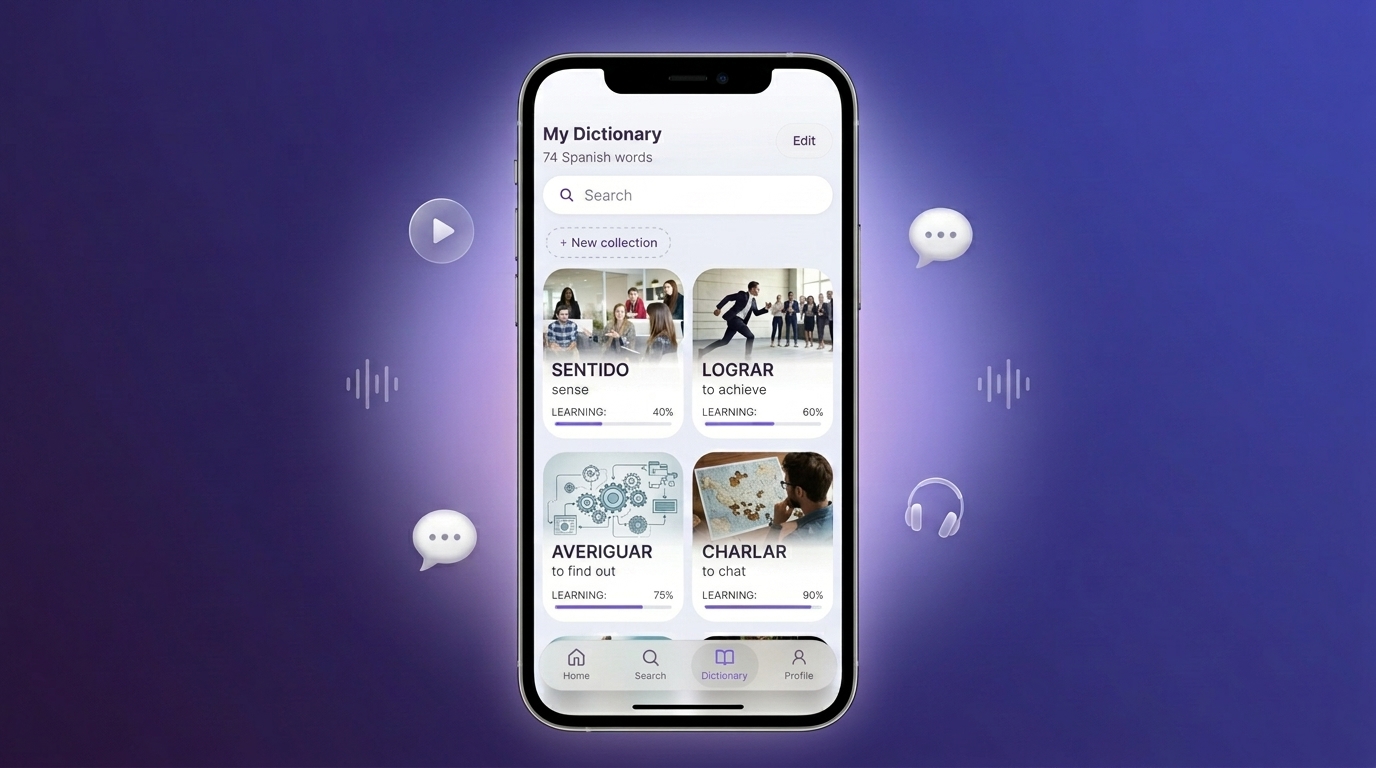
The easiest way is to do it on your phone without leaving the video. In VibeLing it looks like this: type the word or the whole phrase you heard — the app shows the translation, usage examples, and pronunciation, and the word lands in your personal dictionary. From there, nothing to organize: training sessions bring the word back after a day, three days, a week — right when it's starting to slip away.
A plan that doesn't need willpower
- One 5–15 minute video in Spanish per day — about a topic you'd watch anyway.
- While watching, save 3–5 words or phrases.
- In the evening, run a quick training session on the saved words — about five minutes.
It looks modest, but over a month that's 100–150 words, each one heard in real context and reviewed several times. For comparison: that's the size of a solid textbook unit — without it ever feeling like studying.
Common mistakes
- Watching only "learn Spanish" lessons. Grammar channels are useful, but vocabulary grows faster on regular content: words appear in natural speech there, not in made-up examples.
- English subtitles "just to be safe". With them you're reading a translation instead of listening to Spanish.
- Videos that are too hard. An hour of stand-up at A2 is an hour of frustration. Come back to it in six months.
- Saving words and never reviewing them. A word list without review is almost entirely forgotten within a couple of weeks — saved words need to come back in training sessions.
Where to start today
Pick one Spanish-language channel about a topic you love, turn on Spanish subtitles, and watch one video. Save the words that caught your attention to your personal dictionary in VibeLing — the app adds translations with examples and keeps bringing those words back in short training sessions until they stick. A month from now you'll be surprised how many of them you recognize by ear with no subtitles at all.