App to Learn Spanish Words from Movies
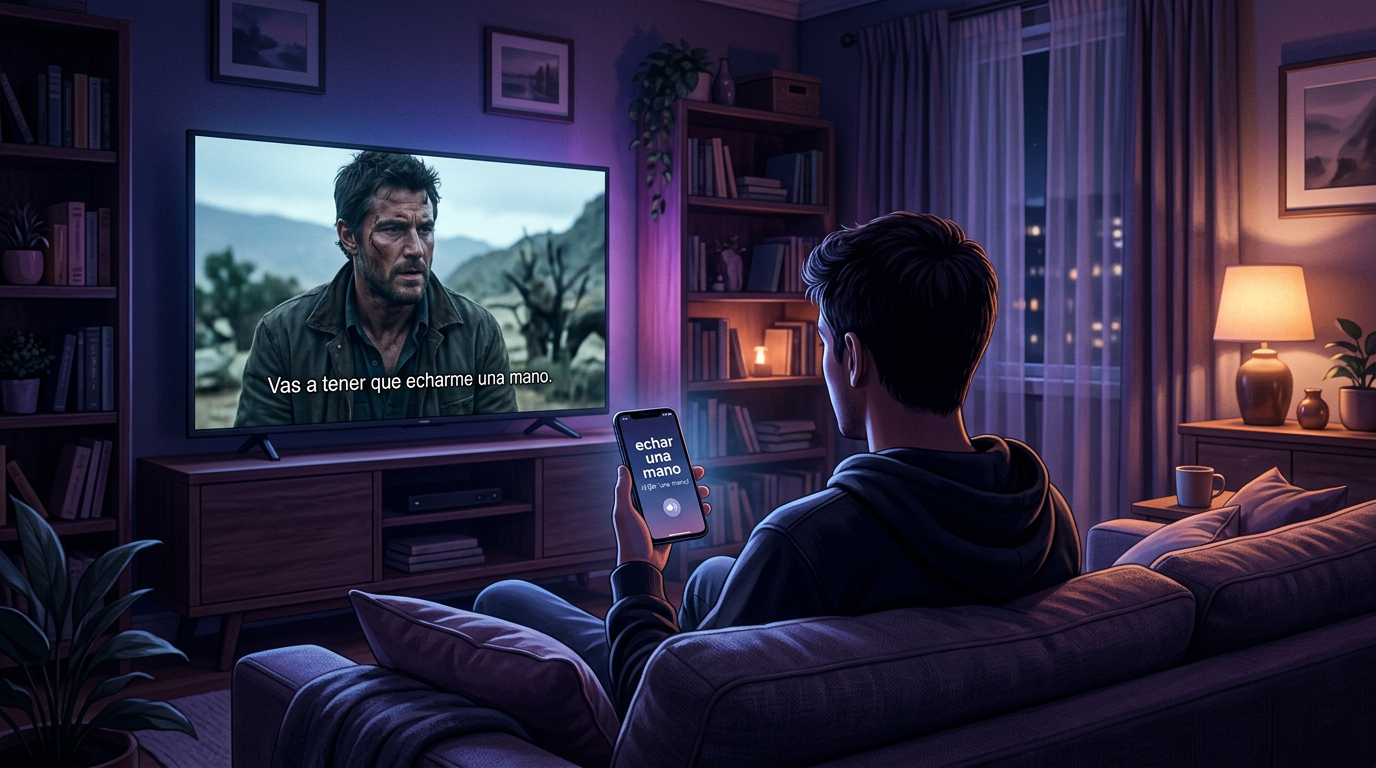
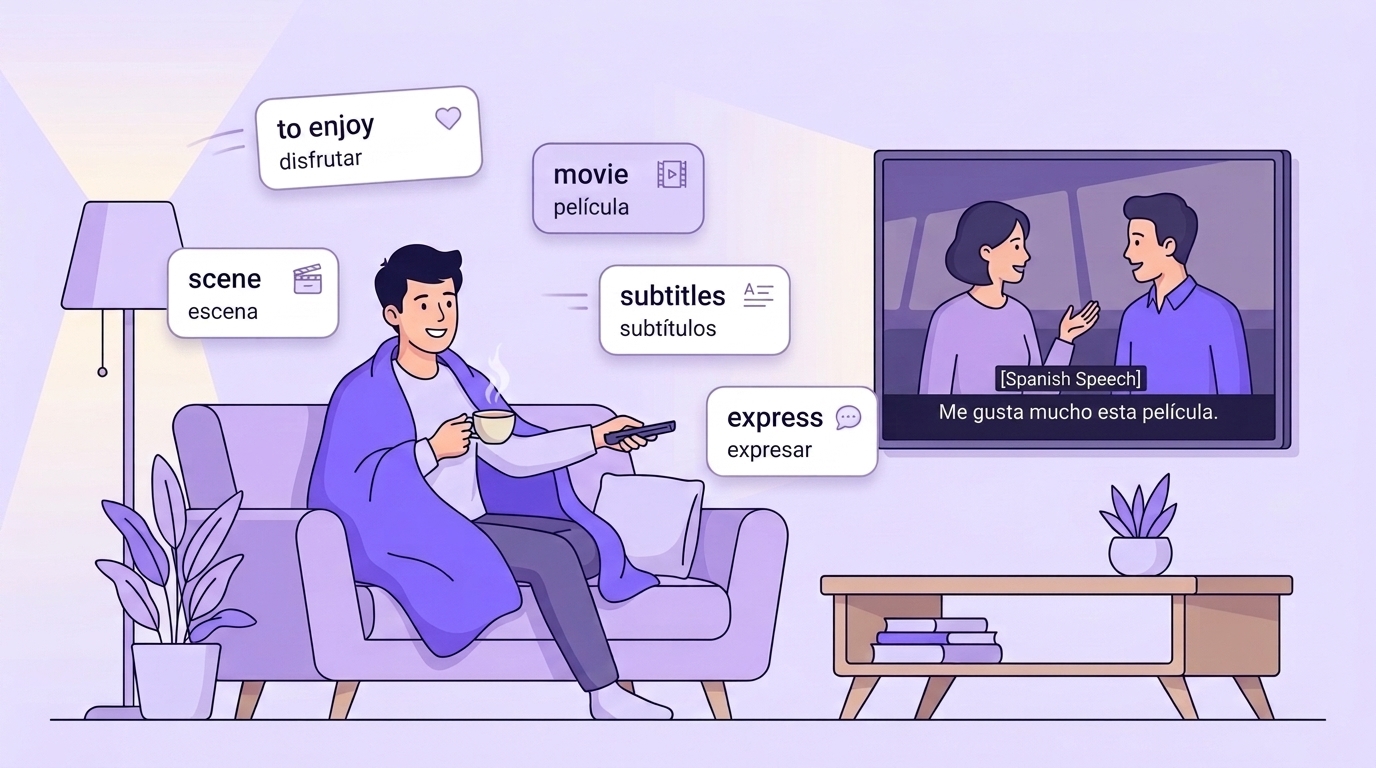
You're watching a series, a character throws out a line, and you understand every word separately but have no idea what they just said. You rewind, turn on subtitles, open a translator. Two minutes later you're back in the episode, and by the end of the night you don't remember what you looked up.
That's how the best material for learning Spanish gets lost — real speech you heard in a context you understood, at a moment when you were genuinely curious. It isn't a memory problem. There's simply nothing between "I heard something new" and "I know it": the translator tab closes and the word is gone.
Let's go through what an app has to do for phrases from movies to actually stick, and how that flow works in VibeLing.
Why words from movies stick better than the rest
A word you caught in a series has three advantages over a word from a "top 1000 Spanish words" list.
It arrives with a situation attached. You remember who said it, to whom, and in what tone. Your brain has a much easier time pulling up menos mal when there's a hospital-corridor scene behind it than when the only thing behind it is the line "thank goodness" in a column of translations.
You'll definitely need it. Screenwriters write spoken language, and what ends up on screen is what people actually say. Textbooks, meanwhile, keep dragging along vocabulary a native speaker won't use once in a month.
You already spent attention on it. You noticed the word yourself, you wanted to understand it — that's exactly the motivation you normally have to squeeze out of yourself in front of a deck of flashcards.
For the watching part — which subtitles to use, what to watch at different levels, when to hit pause — see "How to Learn Spanish with Movies and TV Shows". This article is about the other half: what to do with a word after you've heard it.
Where the chain breaks
It usually falls apart in one of three places.
- There's nowhere to save the word. You checked the translation in a browser and closed the tab. A day later you can't even recall it approximately.
- You saved it but never reviewed it. Notes app, a file on the laptop, a notebook. The list grows and nobody ever goes back to it.
- You saved one word instead of the phrase. You wrote down mano, but the series said echar una mano — "to lend a hand." A week later the note is useless: the meaning lived in the combination.
An app solves exactly this — it holds the word from the moment you hear it to the moment you know it.
What an app for movie vocabulary needs to do
If you're picking one, check these seven things.
| Feature | Why it matters for movies |
|---|---|
| Input for a phrase, not just a word | The interesting bits in film are combinations: dar el día por terminado, tirar la toalla, no pasa nada |
| Instant translation and definition | A pause mid-episode should take seconds, not a full minute |
| Phonetics and audio | You caught the word by ear — you need to check how it sounds and how it's spelled |
| Usage examples | A translation alone isn't enough: vale in a dictionary and vale in conversation are different things |
| Spaced repetition | Without a review schedule a word list turns into a graveyard |
| Collections | Keeping words from one show together helps — they come back to you in a batch |
| Phone-first | You catch words from the couch, not from your desk |
How this works in VibeLing
VibeLing was built around exactly this flow: heard it in real life, saved it, learned it. The home screen has a search field labeled "a word or phrase from real life" — you type in whatever you caught, a single word, an idiom, a whole expression.
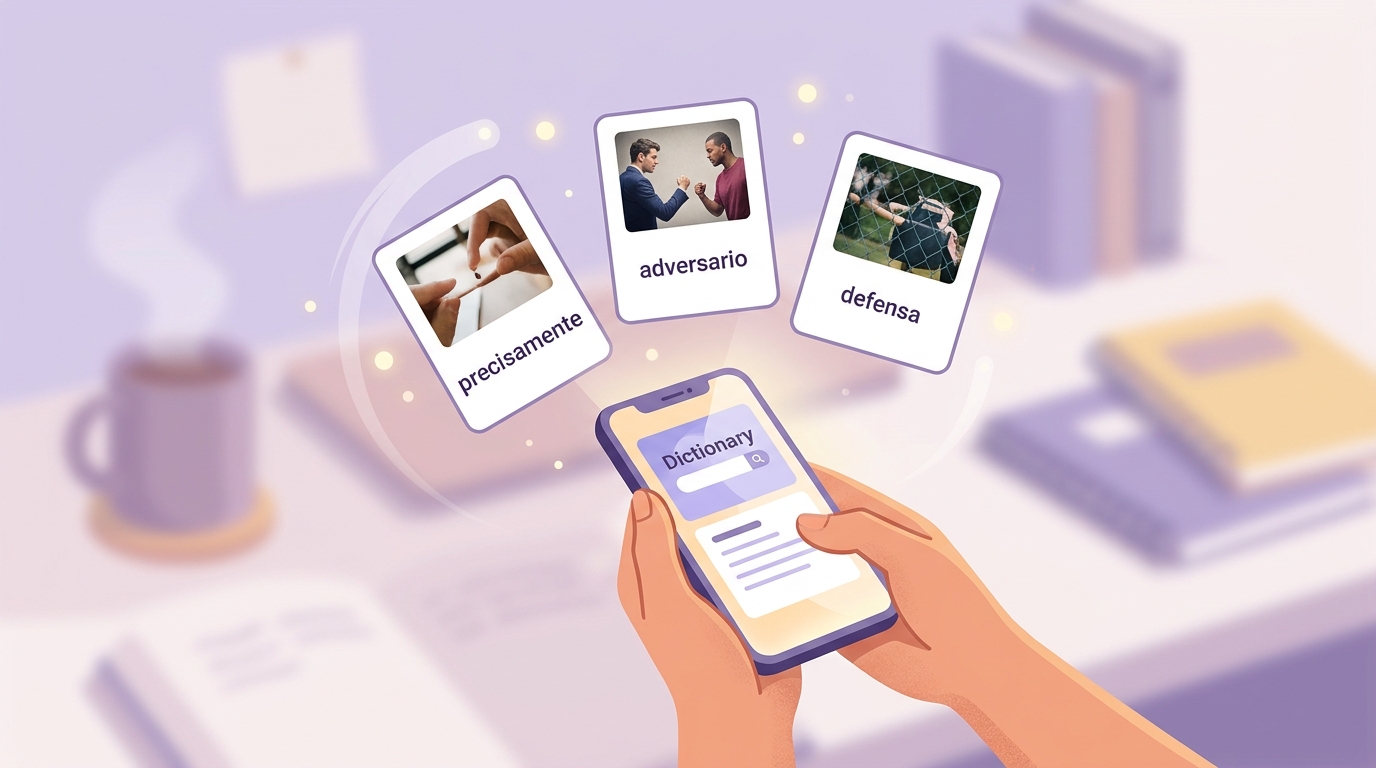
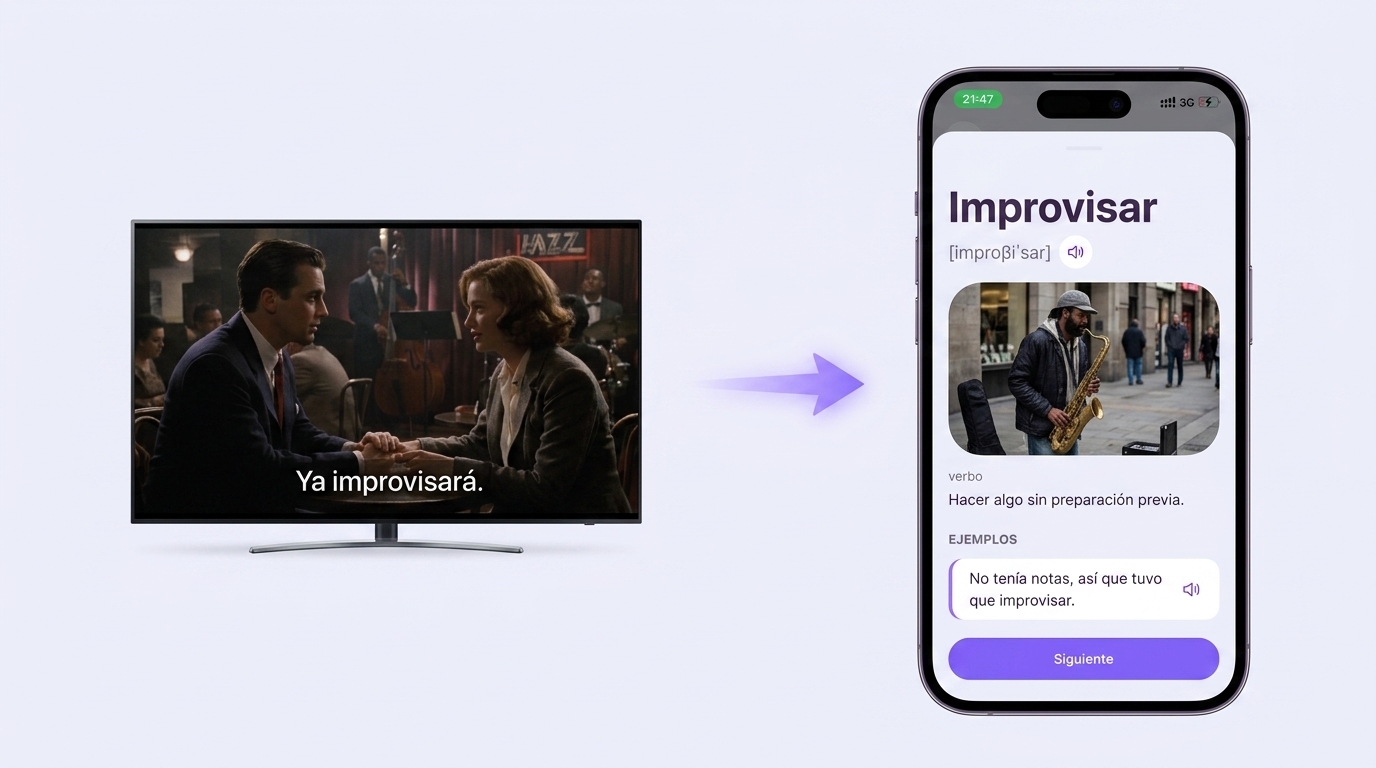
The app then builds a card: translation, phonetics, audio, part of speech, a definition in Spanish, an image, and several example sentences. So you don't get a one-liner saying "improvisar — to improvise," you get a full breakdown that shows how the phrase lives in speech.
No tenía notas, así que tuvo que improvisar. — She had no notes, so she had to wing it.
Saved words go into your personal dictionary, and you can sort them into collections: one for a show, one for work calls, one for the book you're reading. Each word shows a mastery percentage, so it's clear what has settled in and what hasn't.
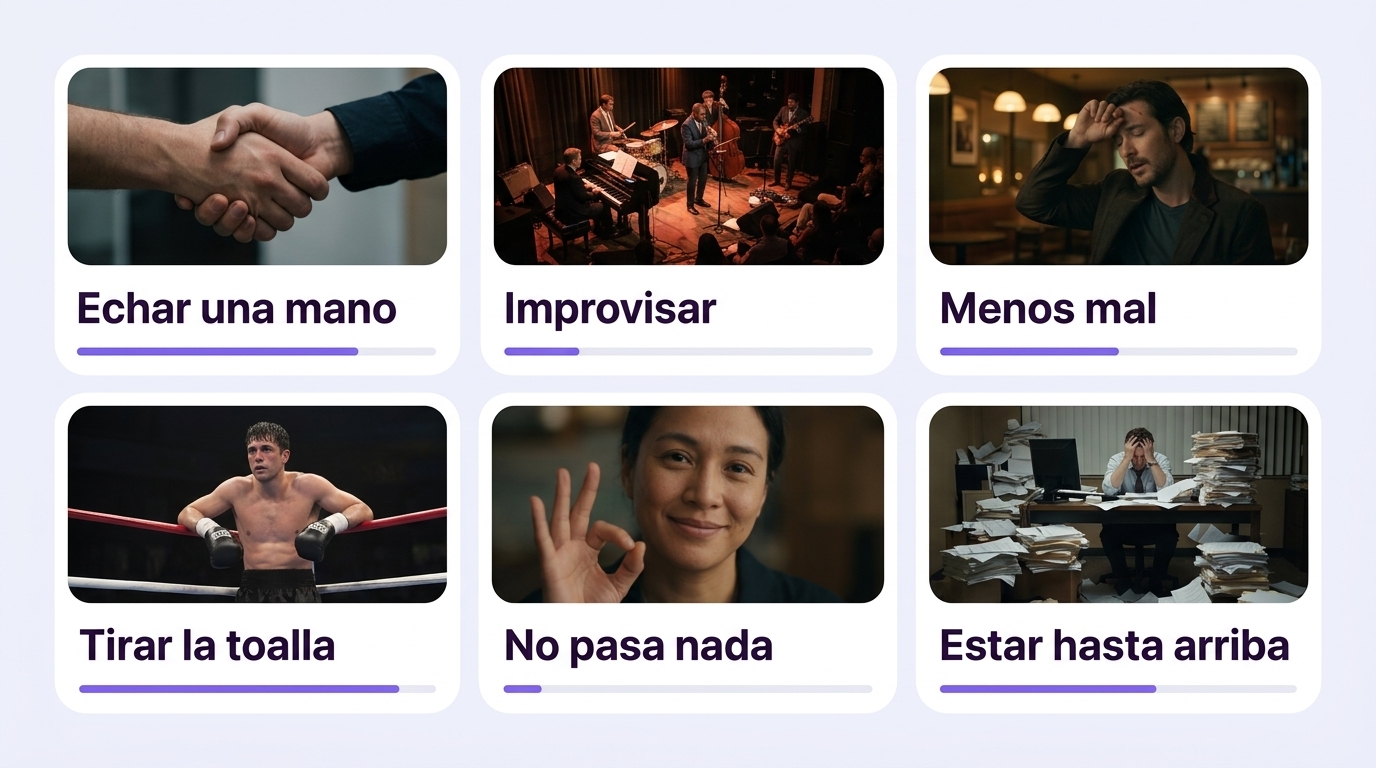
The app plans reviews for you: a few short sessions of ten words a day, with new words mixed into old ones on a spaced repetition schedule. The exercises vary, which matters — you meet the same word from four different angles:
- Pick the translation — recognize the meaning among similar options;
- Missing word — drop the phrase into a sentence, which means recalling it in context;
- Spelling — build the word from letters;
- Pronunciation — say the word out loud into the microphone.
That last one is especially useful for film vocabulary: you heard the phrase from an actor, so it makes sense to lock it in with your own voice, not just with your eyes.
One evening with a series, step by step
- Turn on Spanish subtitles. English ones get in the way: your eyes read them automatically and your ears switch off.
- Don't pause at every unfamiliar word. Watch normally and only catch what hooks you or blocks your understanding of the scene.
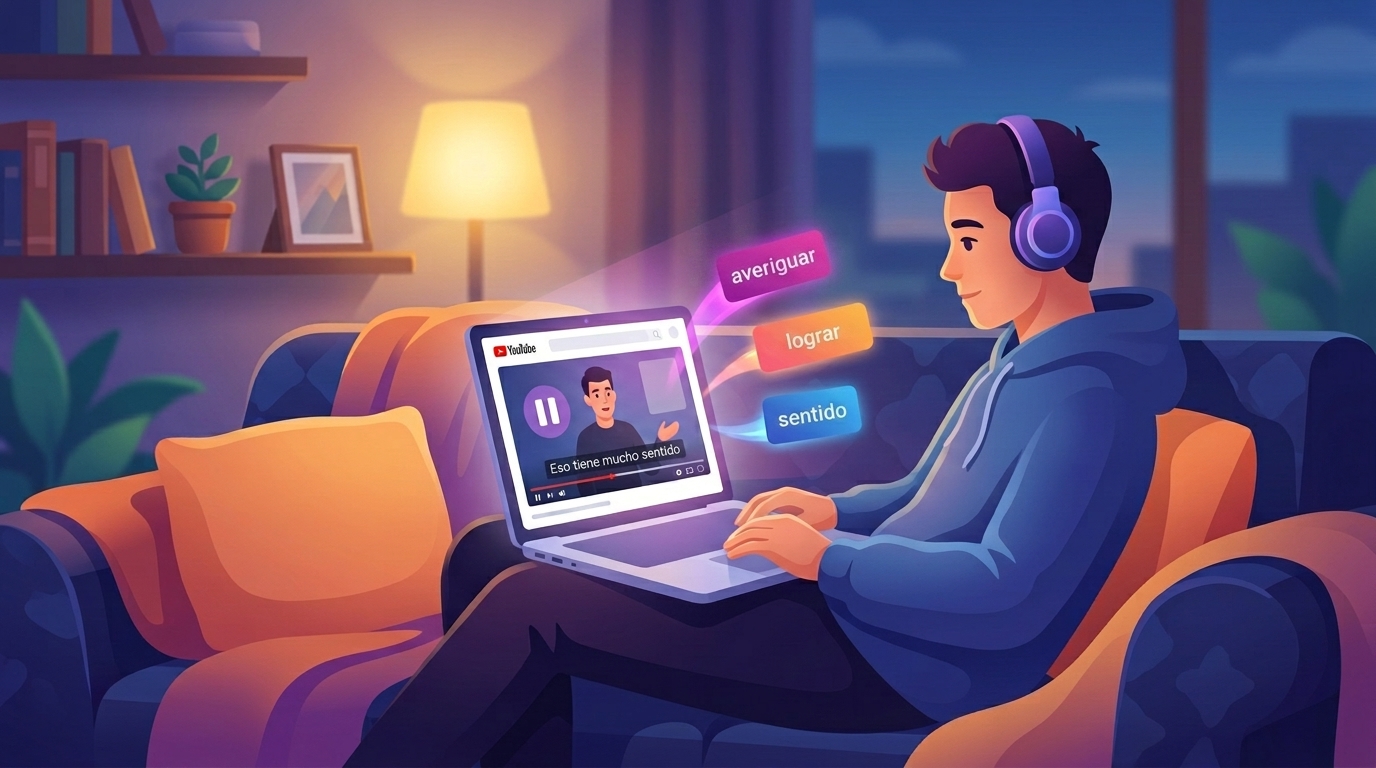
- Save as you go. Heard a phrase, hit pause, typed it into the app, back to the episode. About ten seconds.
- Go through them after the episode. Five minutes: look at the cards, listen to the pronunciation, read the examples.
- Review the next day. One session on the commute or over coffee is enough to keep the phrase from slipping away.
How many words to take from one episode
Three to seven. Not thirty.
The urge to save everything always ends the same way: two hundred cards pile up in a week, reviewing them is impossible, and people quit. A forty-minute episode at five phrases gives you around thirty-five new expressions a month — a very solid pace, and one you can actually keep up.
Use a simple rule when choosing: save what you could say yourself. Menos mal, no pasa nada, estoy hasta arriba will come in handy. A rare legal or medical term from a procedural probably won't, unless you work in that field.
What if there are no subtitles, or you can't make out the word
Write it down the way you heard it and don't worry about getting it wrong. Search usually picks up an approximate spelling, and if it doesn't, type the whole phrase with the surrounding words: it's easier to identify an expression from context than from one mangled word.
The other option is to rewind ten seconds and turn subtitles on just for that stretch. You get the spelling and you train your ear, having first tried to make it out on your own.
When you'll notice results
Honestly: not in a week. The first thing that changes is that you start recognizing your saved phrases in new episodes. That happens fast, because conversational expressions repeat from film to film constantly. After that they move into your own speech — first in writing, then out loud.
The main advantage of this approach is that it doesn't run on willpower. You're watching shows anyway. All you add is the habit of hitting pause and saving a phrase, plus the short regular sessions the app schedules for you.
Try it on your next episode: start your own Spanish dictionary in VibeLing, catch five phrases in one evening and review them the next day. In a month you'll have a vocabulary built from living Spanish instead of somebody else's word list — and the rest of our guides are on the VibeLing homepage.