Best Free App to Learn Spanish Vocabulary
Open the App Store or Google Play and almost every language app is labelled "Free". Installing really does cost nothing — but that is where the similarities end. In one app you can study for months and never hit a paywall, in another the free version works but shows an ad after every exercise, and in a third one you get three days before a subscription screen appears.
What matters isn't whether an app has a free tier but where that tier ends, and whether what's left is enough for your vocabulary to grow. Below: how free tiers are built, what a usable one has to include, and what the popular apps really give you for nothing.
Three kinds of "free"
The same word in the store hides three different business models.
- Free with limits. You can study as long as you like, but part of the app is locked: ads between exercises, a cap on mistakes, no offline mode, trimmed statistics. This is how most language apps work.
- Free shop window. The first lessons or a few trial days are open, then it's a subscription. Technically free, practically a demo.
- Genuinely free. Open-source software maintained by a community. In vocabulary learning there is essentially one example — Anki — and even there it depends on the platform: the official iOS app is paid.
None of these models is bad in itself. What matters is knowing what you give up by not paying, instead of discovering it a month into studying.
What a free tier has to do
Five things matter for vocabulary. If the free version covers them, you can stop shopping around.
- Your own words. You should be able to add any word or phrase you ran into — in a show, in a message from a friend, at work. An app with a fixed word list teaches you someone else's vocabulary.
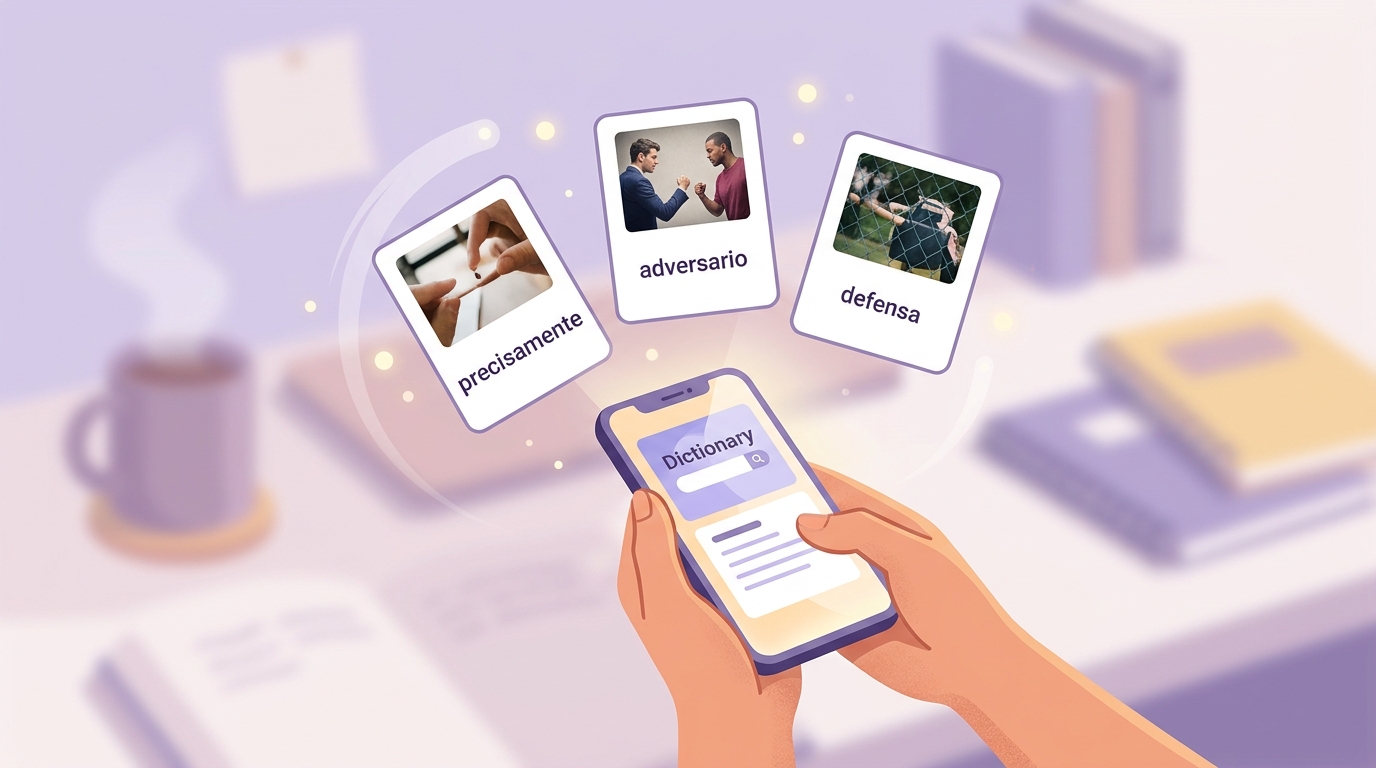
- Cards that build themselves. Translation, an example sentence and audio should appear automatically. If you assemble every card by hand, prep work eats the time you meant to spend reviewing.
- Spaced repetition. A word should come back shortly before you forget it, not at random. We covered how that mechanism works in the article on spaced repetition and the science of never forgetting.
- Recall, not recognition. Picking the right option out of four is recognition: easy to do, poorly remembered. Pulling the word out of your own memory is harder and works far better.
- Short sessions. Ten minutes a day is something you can genuinely do every day. A forty-minute lesson gets skipped by the third try.
You can test any app against this list in one evening: add five words you came across last week and count how many taps it took to turn them into cards with a translation, an example and audio.
What the popular apps give you for free
Here's what the free tiers include as of publication. Terms change from time to time, but the overall logic has held for years.
| App | Free | What you pay for |
|---|---|---|
| VibeLing | The whole app: your own words, translation, examples, audio, spaced repetition, all training types. No word limit, no sign-up | The paid version turns the ads off — that's the only difference |
| Anki | The full version on desktop and Android (AnkiDroid), no limits, no ads | The iPhone and iPad app — a one-off purchase |
| Quizlet | Creating sets, flashcards, sets shared by other users, basic study modes | Some study modes, offline use and ad-free studying sit behind the paid plan |
| Duolingo | The whole course, but with ads and a cap on mistakes | The subscription removes ads and limits |
| Memrise | Part of the content and the native-speaker video clips | Full access to courses and explanations, by subscription |
Where to get them:
- VibeLing: App Store · Google Play
- Anki: App Store · Google Play — on iOS this is the paid AnkiMobile, on Android the free AnkiDroid
- Quizlet: App Store · Google Play
- Duolingo: App Store · Google Play
- Memrise: App Store · Google Play
If you'd rather compare these apps by how they teach words than by what they cost, there's a separate breakdown: seven Spanish vocabulary apps compared.
How to get the most out of a free tier
- Treat the daily cap as a pace, not an obstacle. Nearly every free tier has a ceiling: so many new words or lessons per day. Ten new words a day is three hundred a month — and you still have to review all of them.
- Don't pay for what you won't use. Offline mode matters if you study on a subway with no signal. If you study at home, that line in the subscription buys you nothing.
- Don't run a zoo of apps. Three free apps at once means three half-finished word lists. One place where your words pile up beats all of them.
- Give it a month before you give it money. If you're still opening the app daily after a month and the ads or the limits get in your way, paying is worth it. If you quit in week two, the paid version would have changed nothing.
What's free in VibeLing
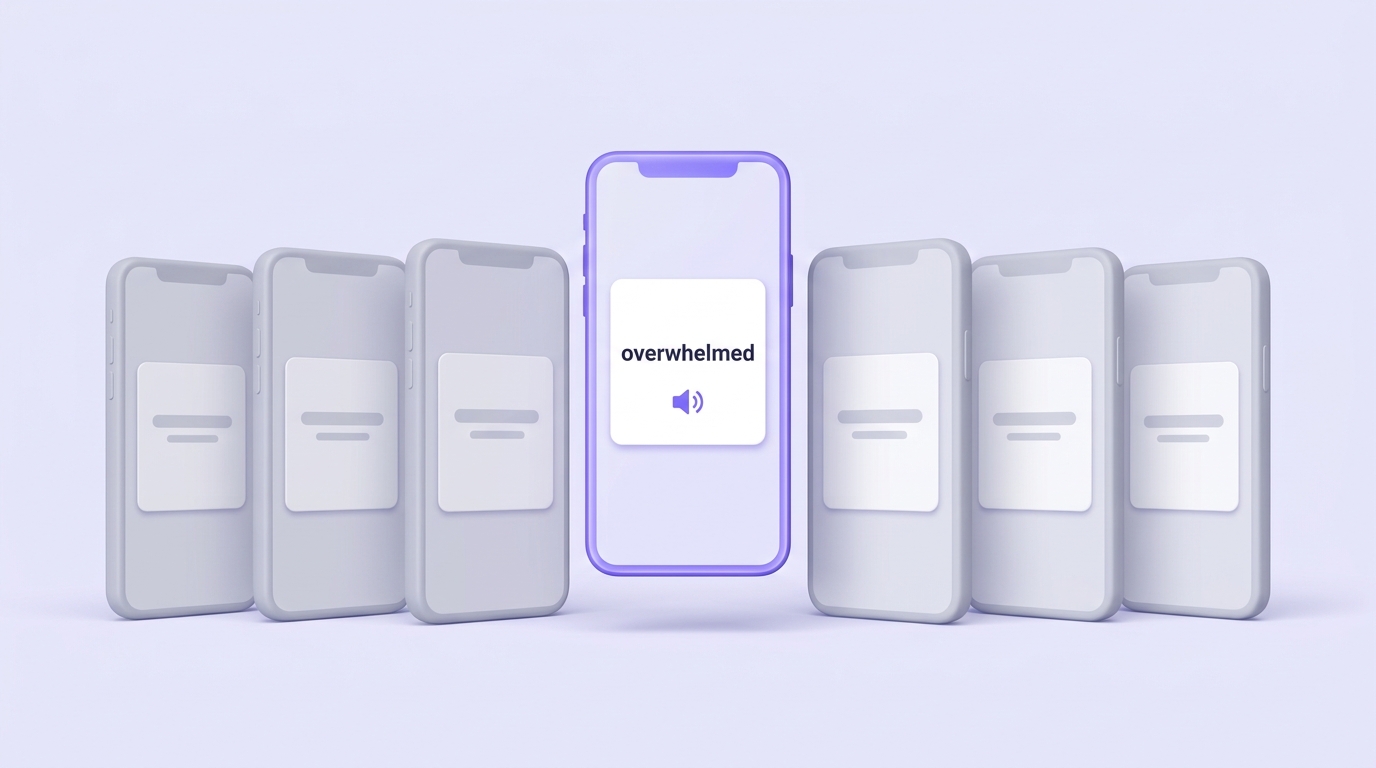
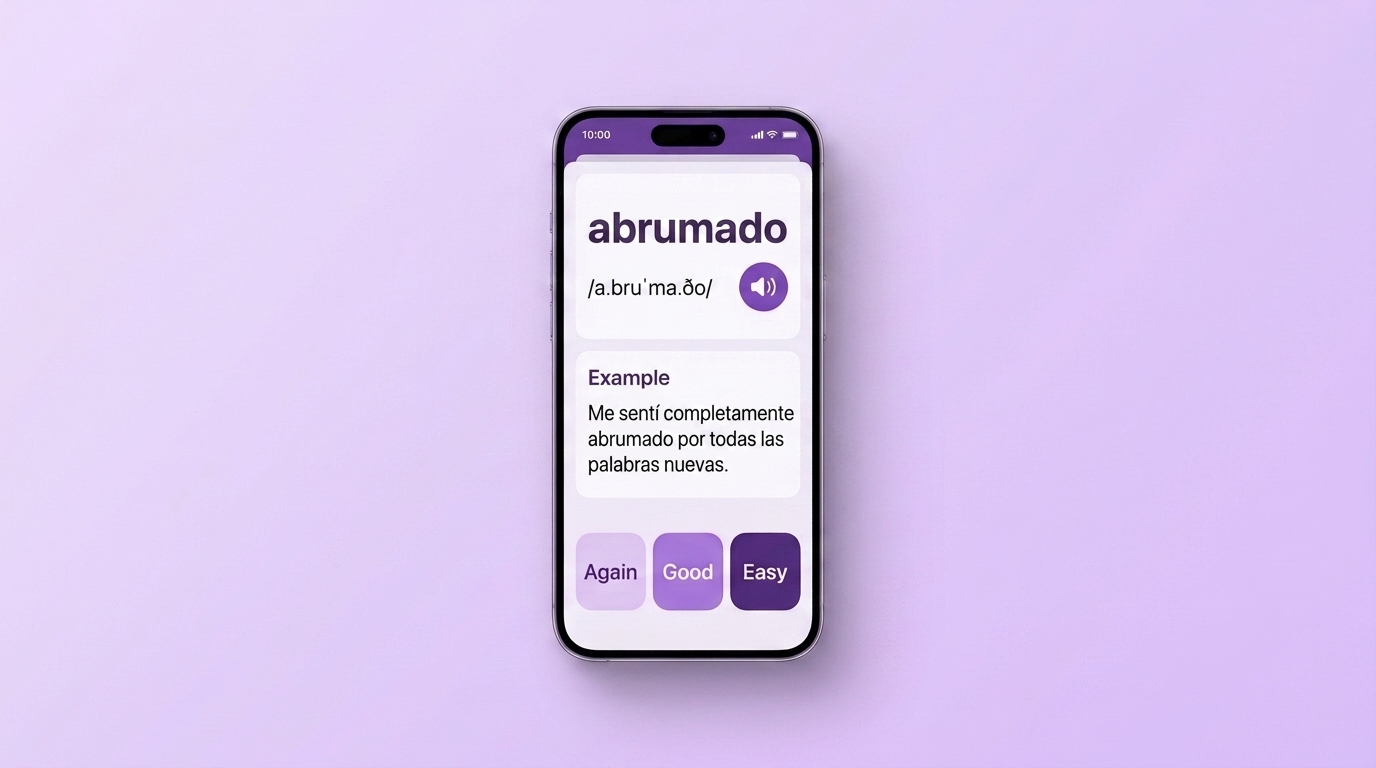
VibeLing is built around one scenario: you heard or read a word you didn't know and want to keep it. You paste the word or the whole phrase, and the app pulls in the translation, example sentences and audio, so there's no card to assemble by hand. From there the word enters spaced repetition, and the training is recall-based: type the missing word into a sentence, spell it out, say it aloud.
The whole app is free here: words go in with no cap and there's no sign-up. Ads cover the costs, but they show up rarely — sometimes before a training session, or when you add a lot of new words at once. The paid version only removes those ads; nothing is locked behind it.
Which one to pick
- Starting from zero and afraid you'll quit — free Duolingo will carry you through the first months.
- Studying for an exam from a fixed word list — Quizlet.
- You enjoy tuning a system and don't mind the time — Anki on desktop or Android.
- You want to remember the words from your own shows, books and work chats — VibeLing.
A free tier is enough for almost everyone, as long as you study a little every day instead of expecting a subscription to do the work. Start small: start your own Spanish word list, add ten words you met last week, and check in seven days how many come back without a hint.