The Best App to Memorize Spanish Words
Vocabulary is the most stubborn part of a language. Grammar only needs to be understood once, but words have to be held in memory for years, and they keep slipping away. This is where an app genuinely helps: it keeps the books for you — what you already know, what needs a review, what is about to fade. But only an app built for this particular job helps. Here is what to check before choosing, and how the best-known options differ.
What an app like this actually has to do
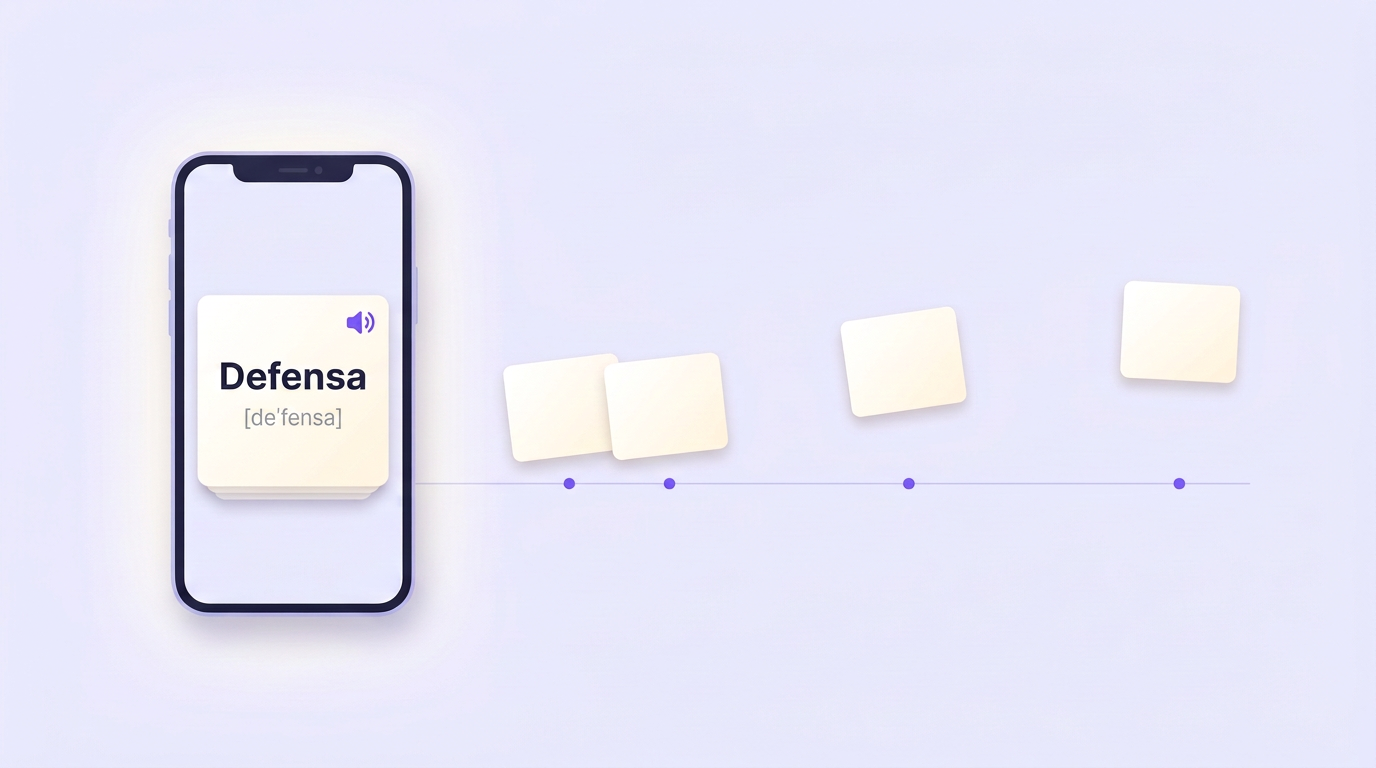
Memory discards whatever isn't used. Back in the late 19th century, psychologist Hermann Ebbinghaus measured how quickly we forget what we've learned: most of it is gone within the first few days. What saves you is a review at the right moment — when a word has almost faded but can still be pulled back. Keeping that schedule in your head for a couple hundred words is impossible; for software it's a trivial task. We covered the mechanics in detail in our article on spaced repetition.
The main conclusion follows from this: an app for memorizing vocabulary is first of all a review scheduler. Everything else — pretty cards, leaderboards, streaks — is a pleasant extra that won't keep words in your memory on its own.
Five things to check before you choose
Spaced repetition. If the app simply cycles through cards until you get tired, it won't beat forgetting. Look for the words "spaced repetition" in the description: the algorithm should decide on its own which word to show you today and which one a week from now.
Your own words. Ready-made decks are convenient at the start, but they stick worse: there is none of your life in them. A word you met in a TV show, in a song or in a work chat is already tied to a situation — it's easier to hold onto. Check how many seconds it takes to add your own word and get a translation, a transcription and an example for it.
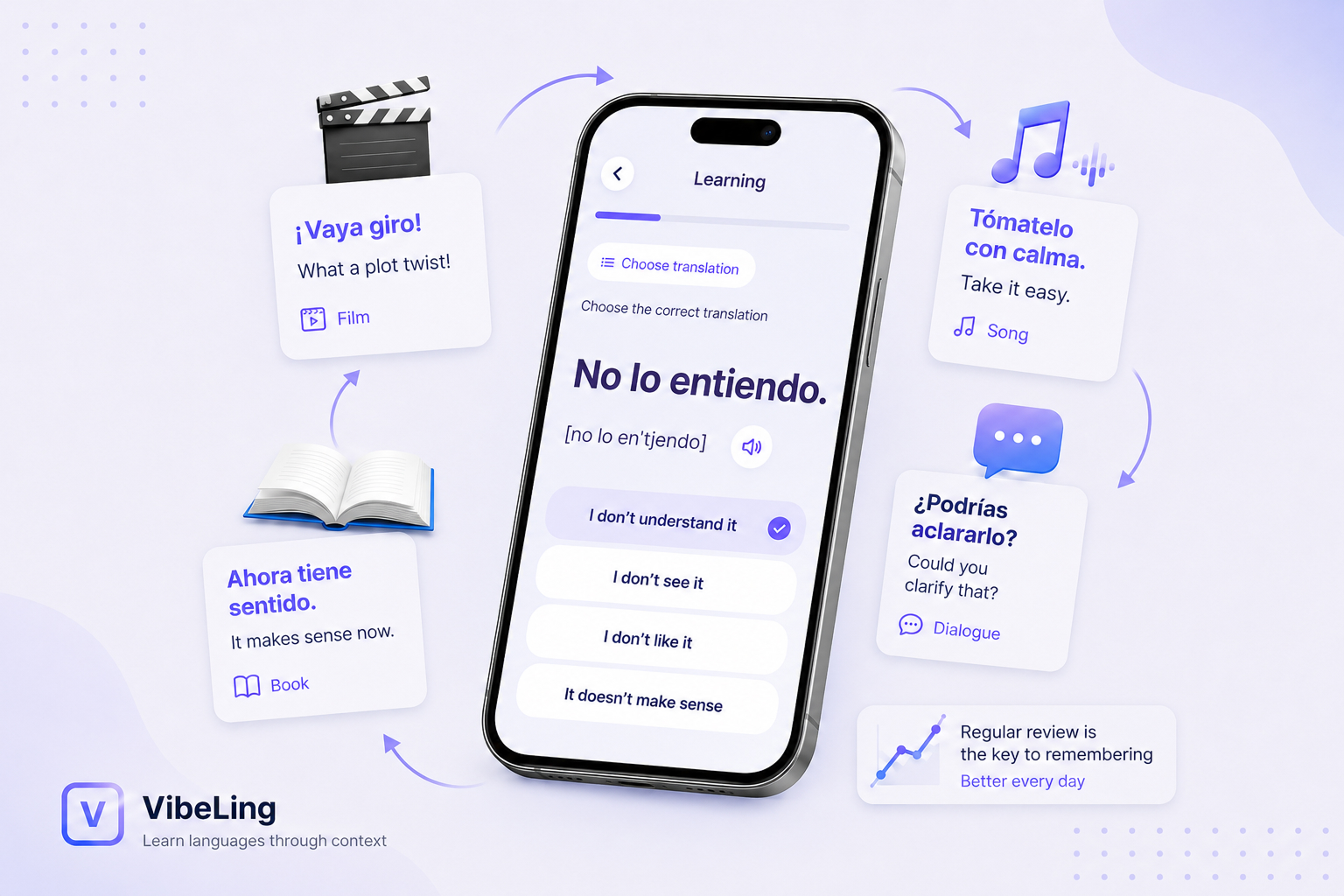
Context. A bare pair like insistir — to insist doesn't live long in memory. You need example sentences: Insistió en pagar la cena sticks better because the word gets a scene. Why that happens is a topic of its own — we wrote about it in our article on how to memorize Spanish words.
Audio. A word you have never heard is a word you won't recognize in real speech — and will most likely mispronounce. Every card should come with audio, ideally with a transcription.
Different exercise types. Flipping a card and telling yourself "yes, I remember" is the weakest kind of check: it's easy to fool yourself. It's good when the app rotates formats — picking the translation from options, filling in the missing word in a sentence, typing the word out, saying it aloud.
Anki, Quizlet, Duolingo: who each one suits
Anki is the veteran of spaced repetition. The algorithm is excellent and everything is configurable: card types, intervals, styling. The flip side is the learning curve: decks, templates, settings, and an interface that hasn't changed in about fifteen years. Anki suits people who enjoy building a system of their own. Note that on iOS the official AnkiMobile app is paid, while Android has the free AnkiDroid.
Download: App Store · Google Play
Quizlet is the opposite: simple, fast, with millions of ready-made sets and game modes. It's good for cramming someone else's list before a specific test. The weak spots: the free version has essentially no real spaced repetition, and ready-made sets are other people's words without your context.
Download: App Store · Google Play
Duolingo isn't a vocabulary app at all — it's a course. It's great at making you show up every day, but vocabulary grows slowly, in the order set by the curriculum, and you can't add your own words. As a supplement it's fine; as a tool for building vocabulary it isn't.
Download: App Store · Google Play
Put the five criteria from the previous section next to these options and you can see that each one covers only part of the list. Anki is strong on reviews but demands fiddling with setup. Quizlet is simple but weak on the algorithm. Duolingo builds discipline but won't work with your words.
How it works in VibeLing
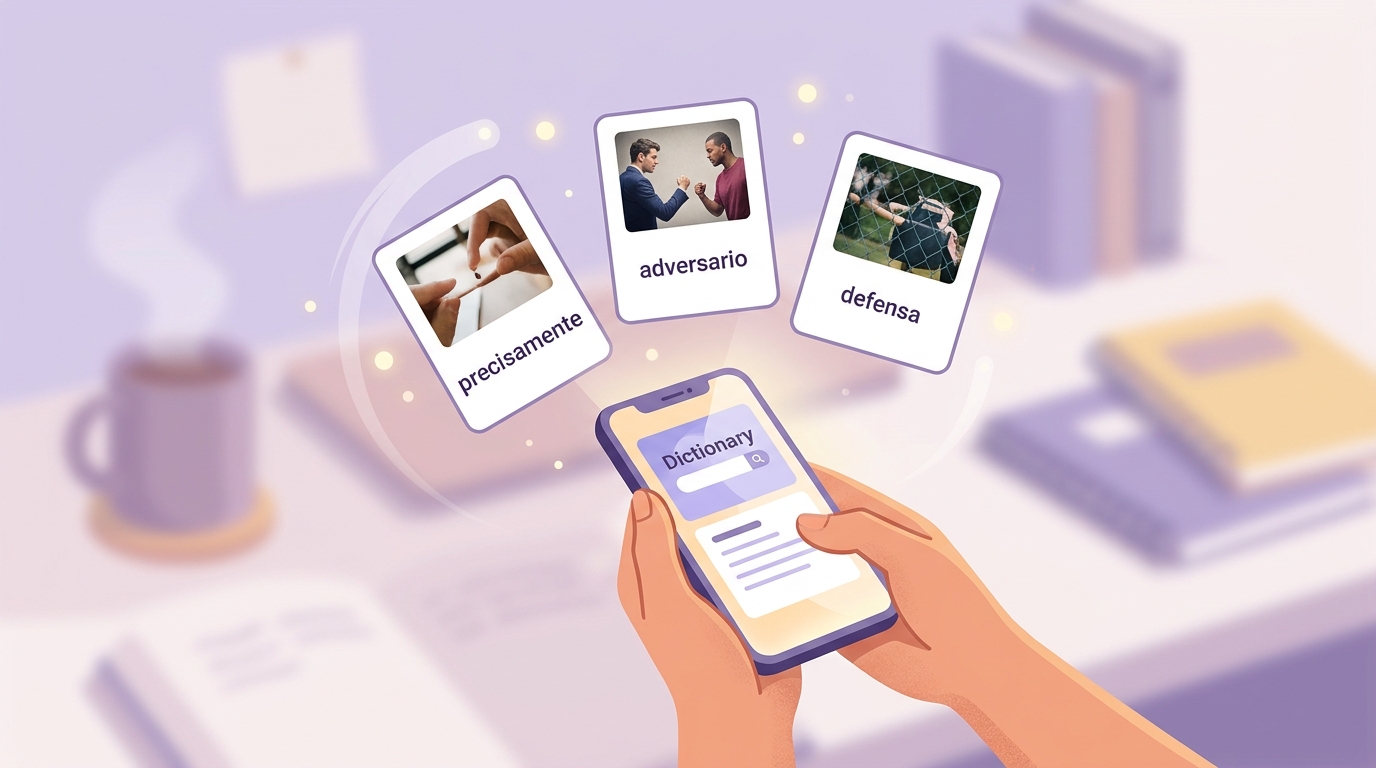
We built VibeLing exactly for this job — memorizing the Spanish words you meet in your own life. You spot a word in a show or an article, type it into search, and AI instantly assembles a card: translation, transcription, audio, usage examples and a picture. The word lands in your personal dictionary, where you can see the progress on each one — how well it has been learned.
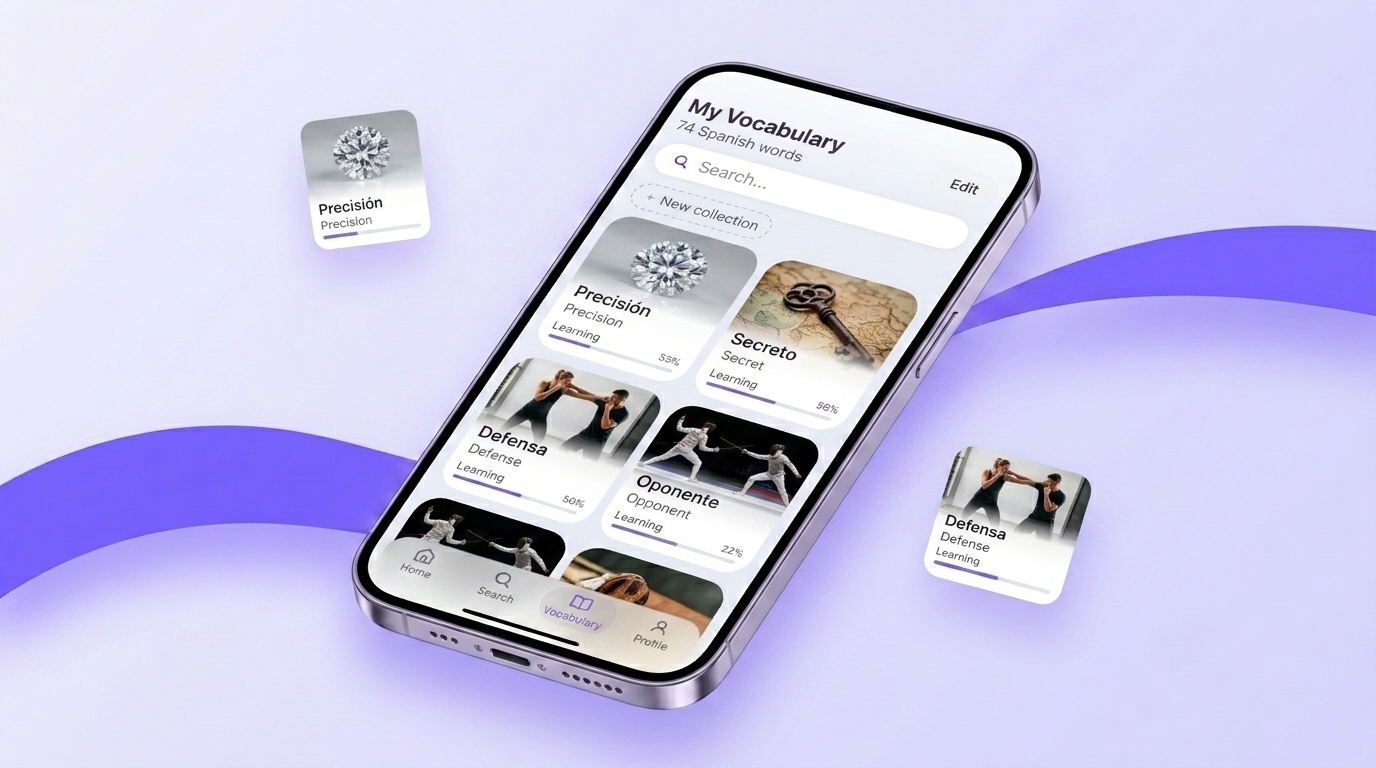
From there, the spaced repetition algorithm takes over the schedule. A new word starts with a warm-up stage — "I remember / I don't" — and then the exercises get stricter: pick the translation from options, fill in the missing word in a sentence, say it out loud. A word only counts as learned once you've passed all the formats, not after flipping a card a couple of times.
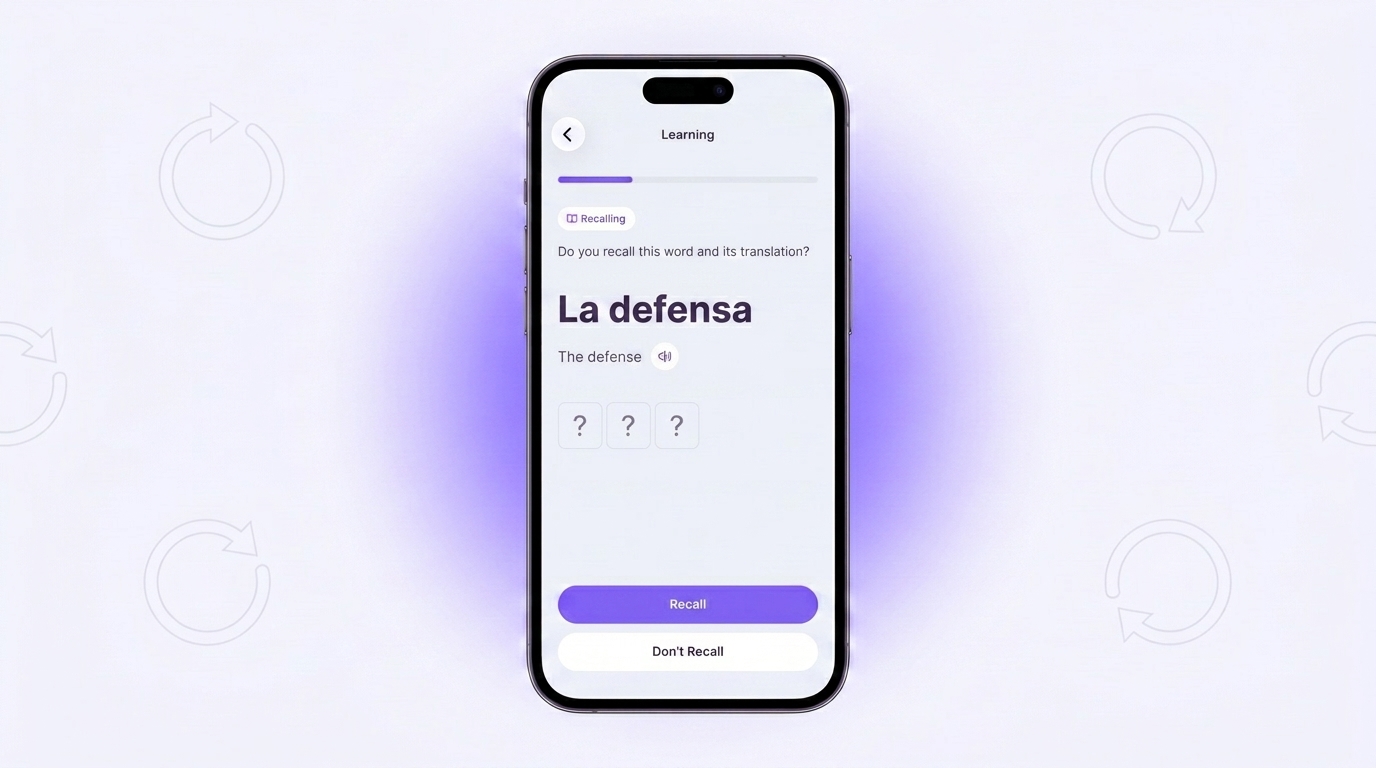
To keep sessions from ballooning, there is a daily plan: a few short workouts of ten words each. That much fits into a coffee break, and still the new gets learned and the old gets reviewed on time.
How to choose in one evening
Don't compare feature lists — give the candidates the same test. Recall ten Spanish words you ran into over the past week and didn't know, add them to the app and go through one training session. A lot becomes clear at this step already: if there is nowhere to add your own words, or it's slow and awkward, you have your answer. The next day, check whether the app called you back to review — and how many of the ten words you actually remembered.
If you'd rather start with an option where all five criteria are already in place — give VibeLing a try. Add your first ten words today, and a week from now they will still be with you.
Download: App Store · Google Play