Best AI Vocabulary Apps in 2026
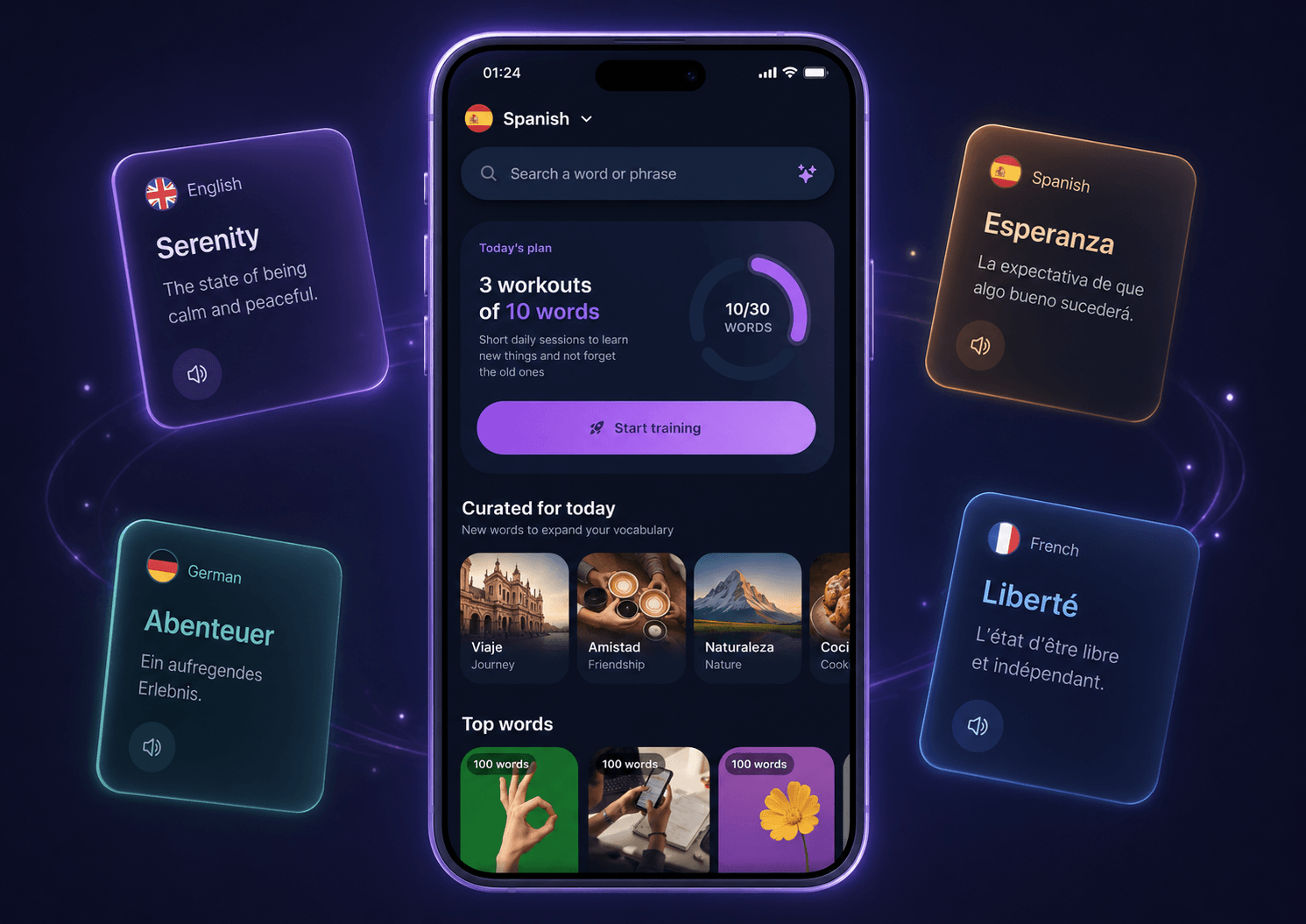
You cannot become fluent in a language without vocabulary. Grammar matters, speaking practice matters, listening matters — but at some point, every learner faces the same problem: you see a useful word, understand it once, and then forget it a few days later.
For years, the default solution was flashcards. Then spaced repetition apps became popular. Now, a new category is growing fast: AI vocabulary apps.
These tools do more than store words. They can generate translations, examples, pronunciation, quizzes, and personalized review sessions automatically. That means less time managing cards and more time actually learning.
In this guide, we’ll look at the best AI vocabulary apps in 2026 and help you choose the right one for your learning style.
What makes a good AI vocabulary app?
A good vocabulary app should help you do five things:
- add any word or phrase quickly;
- understand the meaning in context;
- hear or practice pronunciation;
- review words before you forget them;
- avoid spending too much time manually creating flashcards.
This is where AI becomes useful. Instead of forcing you to write translations, invent example sentences, find audio, and organize decks, a good AI vocabulary app can do most of that for you.
The best app is not always the one with the most features. It is the one that fits your real learning routine.
1. VibeLing — best AI vocabulary app for learning words from real life
Best for: learners who collect words from movies, books, podcasts, articles, songs, and real conversations.
Platforms: iOS and Android.
Languages: English, Spanish, German, French, Romanian, Serbian, and Russian.
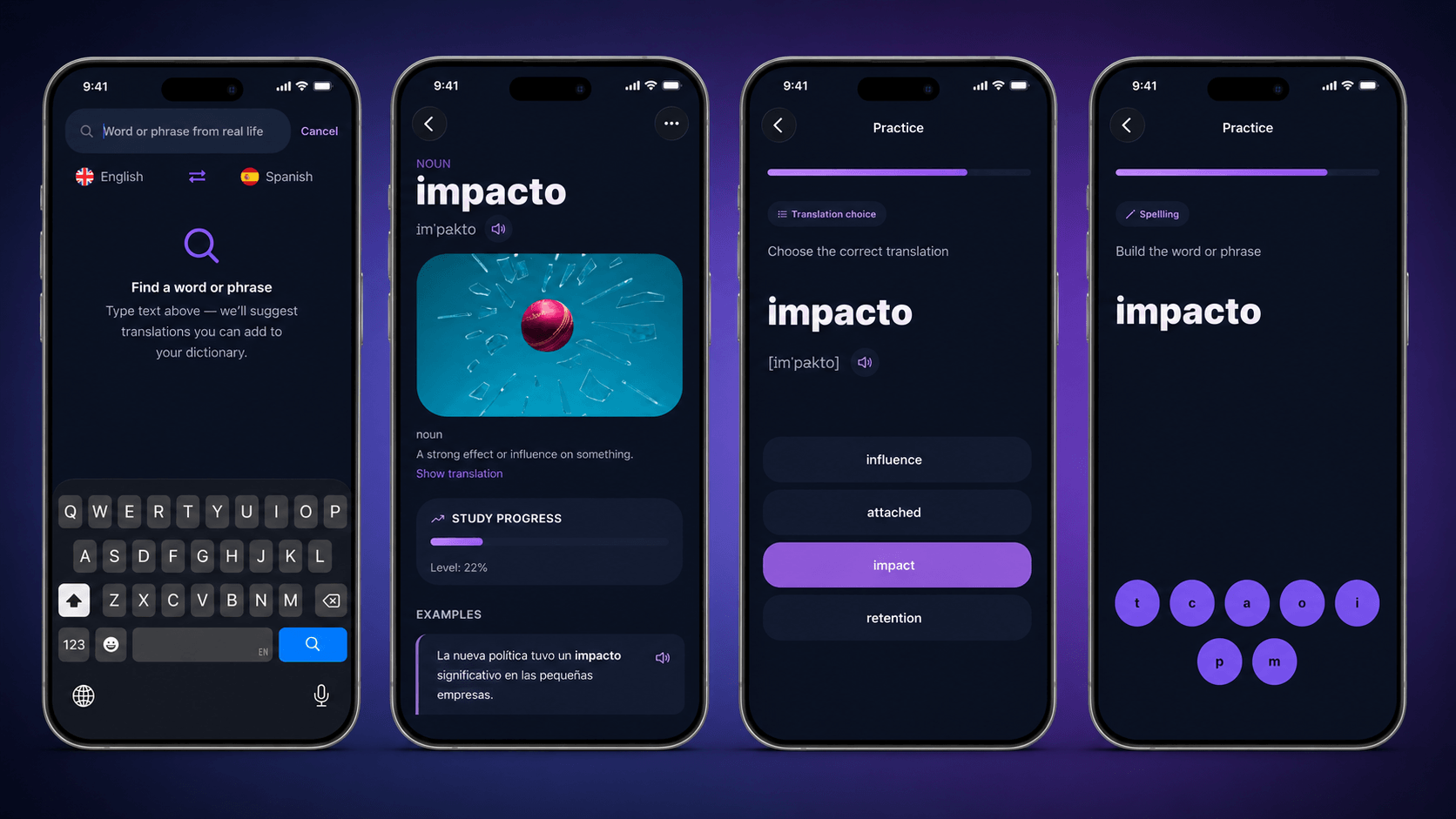
Main idea: add any word or phrase, and the app creates translations, examples, pronunciation, and review sessions for you.
Download links: iOS, Android
VibeLing is our top pick because it solves the most common vocabulary problem: learners usually do not want to memorize random word lists. They want to remember the words they actually meet in real life.
Maybe you hear a phrase in a TV show. Maybe you find a useful expression in a book. Maybe someone says something in a conversation and you realize you want to use the same word later. In VibeLing, you can add that word or phrase, and AI helps turn it into something you can actually remember.
The main advantage odowd f VibeLing is that it removes the boring part of flashcards. You do not need to manually write translations, search for examples, add pronunciation, or decide when to review each card. You add a word, and the app helps with the rest.
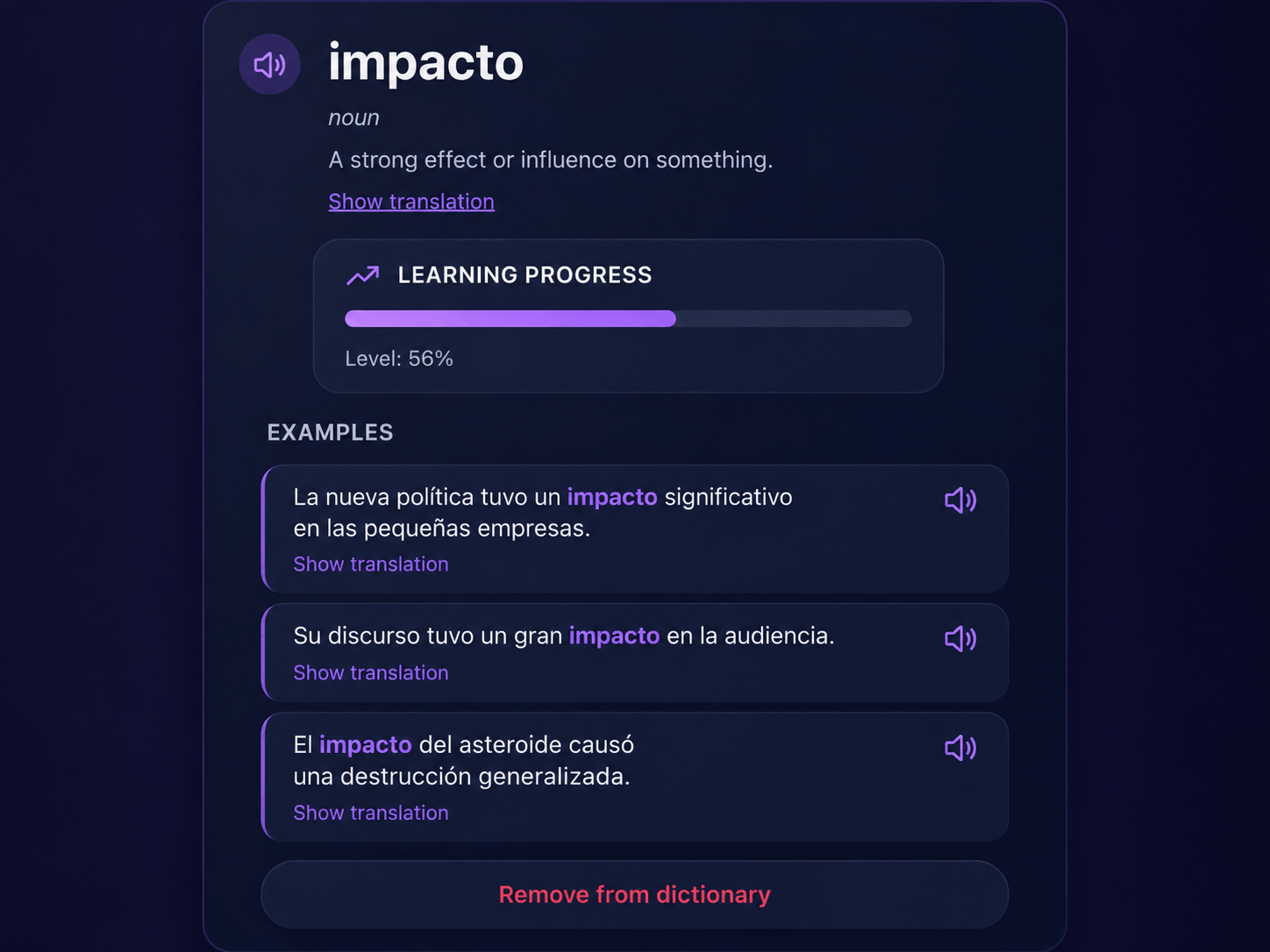
VibeLing also goes beyond simple “I know / I don’t know” cards. It includes different training formats: choosing the correct translation, spelling a word or phrase, practicing pronunciation, filling in a missing word in a sentence, and checking whether you really remember the meaning.
That matters because knowing a word is not only about recognizing it. You also need to recall it, spell it, pronounce it, and understand how it works in context.
Another important part is spaced repetition. VibeLing decides which words you should review today. If you remember a word well, it appears less often. If you make mistakes, it comes back sooner. This keeps your daily practice focused and prevents you from wasting time on words you already know.
VibeLing is not trying to replace a full grammar course. It is not a “zero to B1 in three months” app. Its strength is personal vocabulary: the words and phrases that matter to you.
VibeLing is best for:
- learners who study through real content;
- people who want to remember phrases from movies, books, podcasts, and articles;
- users who are tired of creating Anki cards manually;
- learners who want a simple 10–15 minute daily routine;
- anyone who wants to build a personal vocabulary, not just follow a fixed word list.
It may not be the best fit for:
- learners looking for a complete grammar course;
- people who want a strict A1, A2, B1 lesson path;
- users who need a human teacher to correct writing or speaking.
Verdict: if your main goal is to remember foreign words and phrases from real life, VibeLing is the best AI vocabulary app to try in 2026.
2. Lingvist — best for adaptive vocabulary practice
Lingvist is a strong option for learners who want adaptive vocabulary training. It estimates your level and tries to show you words that are useful for your current stage.
Compared with VibeLing, Lingvist feels more like a ready-made learning system. You open the app and follow its vocabulary path instead of building your own personal dictionary from real-world content.
That can be great if you do not want to make many decisions. You simply practice, answer, and move forward. But if your goal is to save very specific phrases from shows, books, or conversations, VibeLing gives you more flexibility.
Best for: learners who want structured, adaptive vocabulary drills.
Main downside: less focused on your own words from real-life content.
3. Memrise — best for vocabulary with native-speaker videos
Memrise is a good choice if you want to see and hear how words are used by real people. Its biggest strength is short native-speaker videos, which make vocabulary feel more alive than plain text flashcards.
The app is especially useful for everyday phrases, travel situations, and basic conversation. It helps you get used to the sound of the language and remember phrases with more context.
However, Memrise is still mostly built around prepared content. If you want to save a rare phrase from a movie or an expression from a specific article, VibeLing is a better fit for that workflow.
Best for: learners who like video-based vocabulary and real pronunciation.
Main downside: less freedom to add any personal word or phrase.
4. Quizlet — best for AI flashcards and study sets
Quizlet is one of the most popular flashcard platforms in the world. It is used not only for languages, but also for school, university, exams, and almost any topic that requires memorization.
Its biggest strength is the huge library of existing study sets and the ability to create your own cards quickly. AI features can help turn material into quizzes, practice tests, and study activities.
For language learning, Quizlet works best when you already have a list of words you need to study. But it is still a general study tool, not a language-first vocabulary system. It does not feel as focused on the flow of “add a word → get translation, examples, pronunciation → review it with spaced repetition.”
Best for: students and learners using ready-made vocabulary lists.
Main downside: not as specialized for language learning and real-life context.
5. WordUp — best for building English vocabulary
WordUp is focused on English vocabulary. It helps learners find gaps in their vocabulary and suggests useful words to learn next.
Its strength is prioritization. Instead of learning random words, you can focus on vocabulary that is more likely to be useful. For English learners, it can be a helpful companion app.
The limitation is that WordUp is less universal across languages. If you are learning multiple languages or want to save any phrase from your own content, VibeLing will feel more flexible.
Best for: learners who want to expand their English vocabulary.
Main downside: mainly focused on English.
6. Duolingo Max — best for AI inside a full language course
Duolingo Max is not exactly a vocabulary app. It is an AI-powered layer inside Duolingo, with features such as answer explanations and roleplay-style practice.
It is a good fit for beginners who enjoy gamification, streaks, short lessons, and a clear daily habit. Duolingo is very good at getting people to come back every day, and AI features can make the experience more interactive.
But if your main goal is to build your own vocabulary from real life, Duolingo is not the most direct tool. You follow the app’s course, not your personal word list.
Best for: beginners who want a gamified language course.
Main downside: not designed as a personal vocabulary and spaced repetition tool.
7. NotebookLM — best for creating flashcards from your own materials
NotebookLM is not a traditional language learning app, but it can be useful for vocabulary study. You can upload materials such as notes, articles, documents, or transcripts and generate flashcards or quizzes from them.
This is helpful if you study from specific sources: a PDF, a lecture, a long article, or a book chapter. AI can turn your material into something more active than passive reading.
However, NotebookLM does not replace a dedicated vocabulary app. It does not offer the same simple daily flow: add a word, get a translation, practice pronunciation, and review it automatically over time.
Best for: learners who want to turn documents and notes into study materials.
Main downside: not a dedicated language vocabulary trainer.
8. Anki — still powerful, but not AI-first
Anki is not really an AI vocabulary app, but it deserves a place in this list because it remains one of the most powerful spaced repetition tools.
Its biggest advantage is flexibility. You can customize card types, decks, templates, tags, images, audio, and review settings. For power users, this is a huge benefit.
The problem is the setup cost. You often have to create cards manually, find examples, add translations, organize decks, and manage the whole system. Many learners end up spending more time maintaining Anki than studying the language.
That is why AI vocabulary apps like VibeLing feel more modern for everyday learners. They reduce the manual work and let you focus on learning.
Best for: power users who want full control.
Main downside: too much manual setup for many language learners.
Quick comparison
| App | Best for | Main advantage | Main downside |
|---|---|---|---|
| VibeLing | Words and phrases from real life | AI examples, pronunciation, training, spaced repetition | Not a full grammar course |
| Lingvist | Adaptive vocabulary practice | Personalized word selection | Less personal content |
| Memrise | Native-speaker video phrases | Real pronunciation and context | Mostly prepared content |
| Quizlet | Flashcards and study sets | Huge library of sets | Not language-first |
| WordUp | English vocabulary | Useful word prioritization | Mostly English-focused |
| Duolingo Max | Gamified course learning | Habit and AI explanations | Not a personal dictionary |
| NotebookLM | Flashcards from materials | Generates study aids from sources | Not a language trainer |
| Anki | Full control | Powerful spaced repetition | Manual setup |
Which AI vocabulary app should you choose?
If you want a full language course with grammar and structured lessons, choose Duolingo, Busuu, or another course-based app.
If you need universal flashcards for school or exams, Quizlet or Anki may be enough.
If you want adaptive vocabulary practice, Lingvist, Memrise, or WordUp can be useful.
But if your goal is to remember the words and phrases you actually meet in real life, VibeLing is the best choice.
VibeLing works especially well for learners who study through content: movies, shows, books, podcasts, articles, songs, and conversations. AI helps you add words quickly, understand them through examples, hear pronunciation, and practice them later with spaced repetition.
Instead of memorizing random word lists, you build a vocabulary that belongs to your life.
FAQ
What is the best AI vocabulary app in 2026?
For learning words and phrases from real-life content, VibeLing is the best AI vocabulary app to try in 2026. It combines AI-generated translations and examples with pronunciation practice, different training formats, and spaced repetition.
Can AI replace Anki?
AI can replace Anki for many everyday language learners. Anki is still powerful, but it requires manual card creation and setup. VibeLing is better if you want to add words quickly and avoid managing flashcards yourself.
Is VibeLing good for beginners?
Yes, if you already encounter new words and want to remember them. But if you need a complete grammar path from zero, it is better to combine VibeLing with a course, textbook, or teacher.
What is the difference between an AI vocabulary app and flashcards?
Traditional flashcards usually require manual setup. An AI vocabulary app can automatically generate translations, examples, exercises, and sometimes pronunciation. This makes the learning process faster and more connected to real language use.
How much time should I spend on vocabulary every day?
For most learners, 10–15 minutes a day is enough if the practice is consistent and the app uses spaced repetition.
Worth reading next: Best App to Learn Spanish Vocabulary (2026) and Anki Alternative: How to Learn Foreign Words Without Manually Creating Flashcards. And to turn reading into practice — build your personal vocabulary in the app.